What does Micelclaw replace?
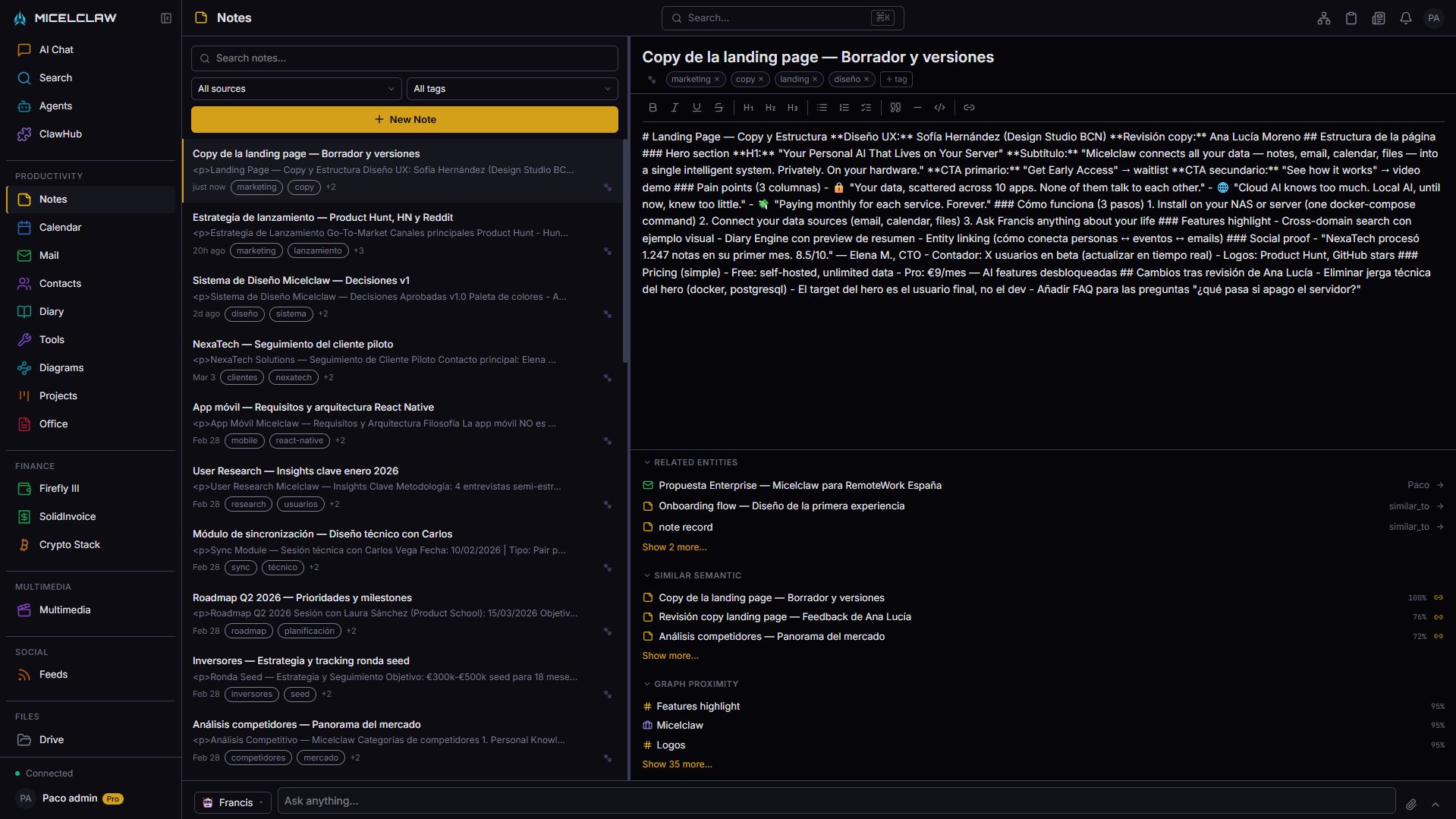
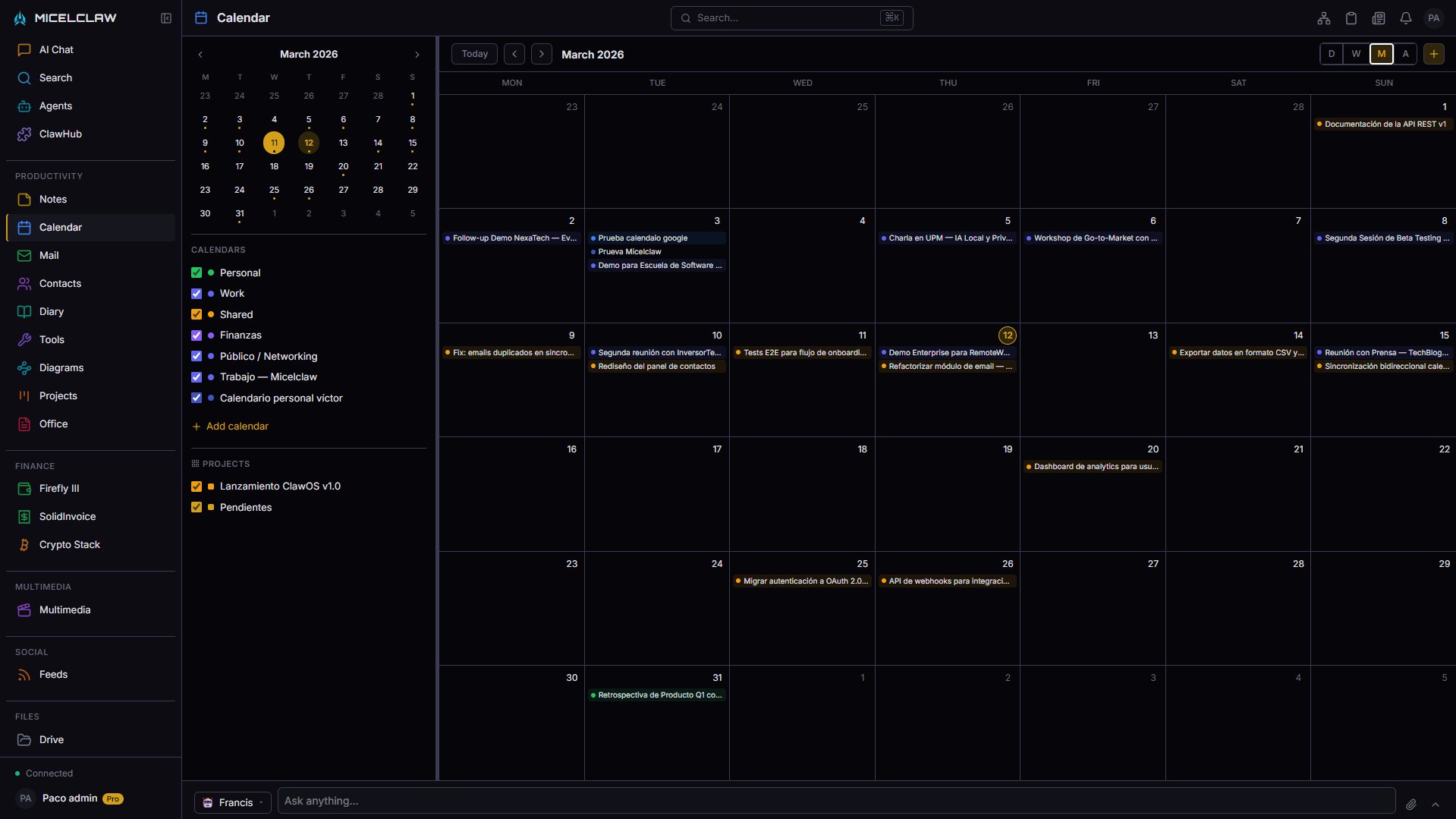
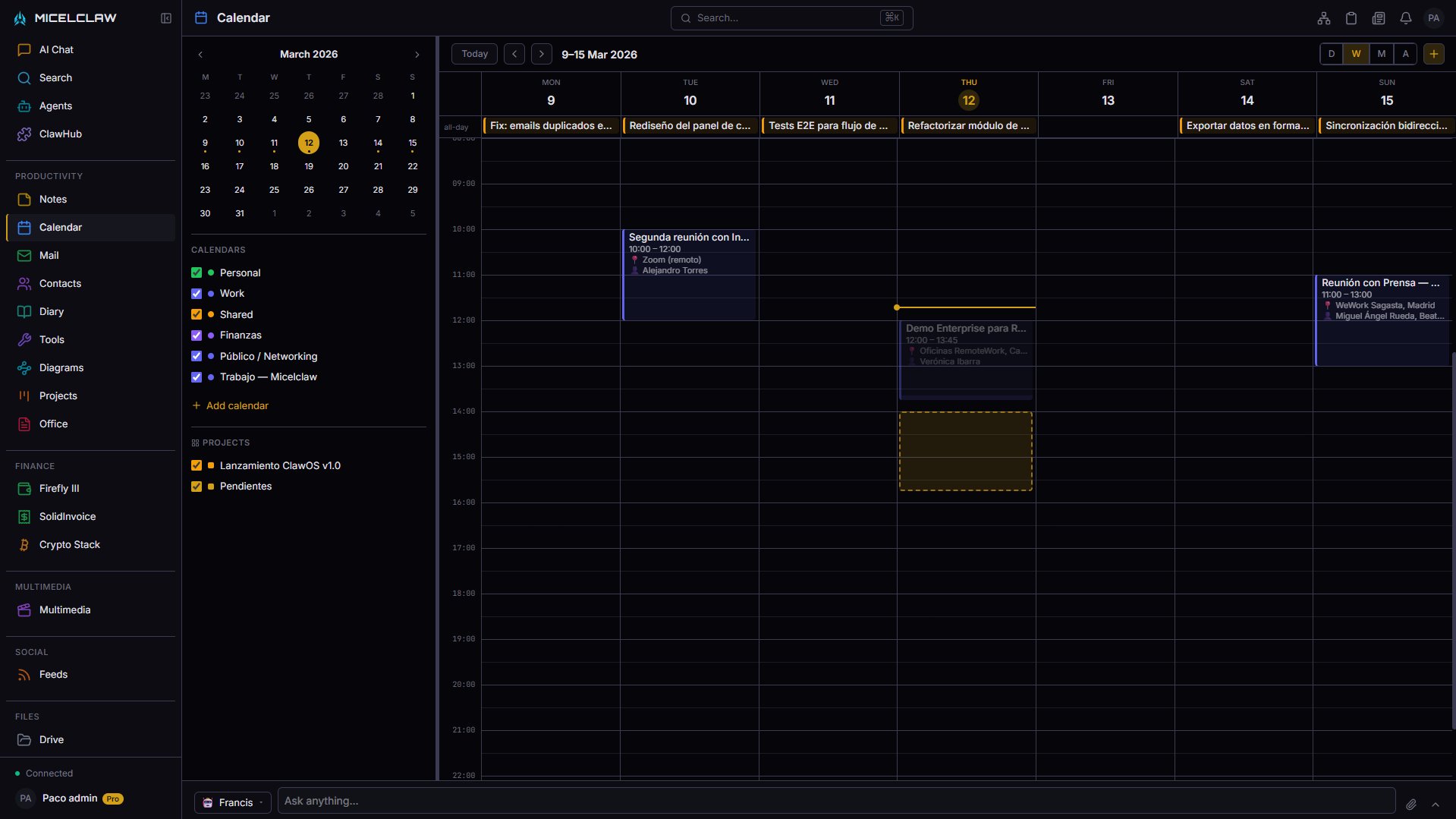
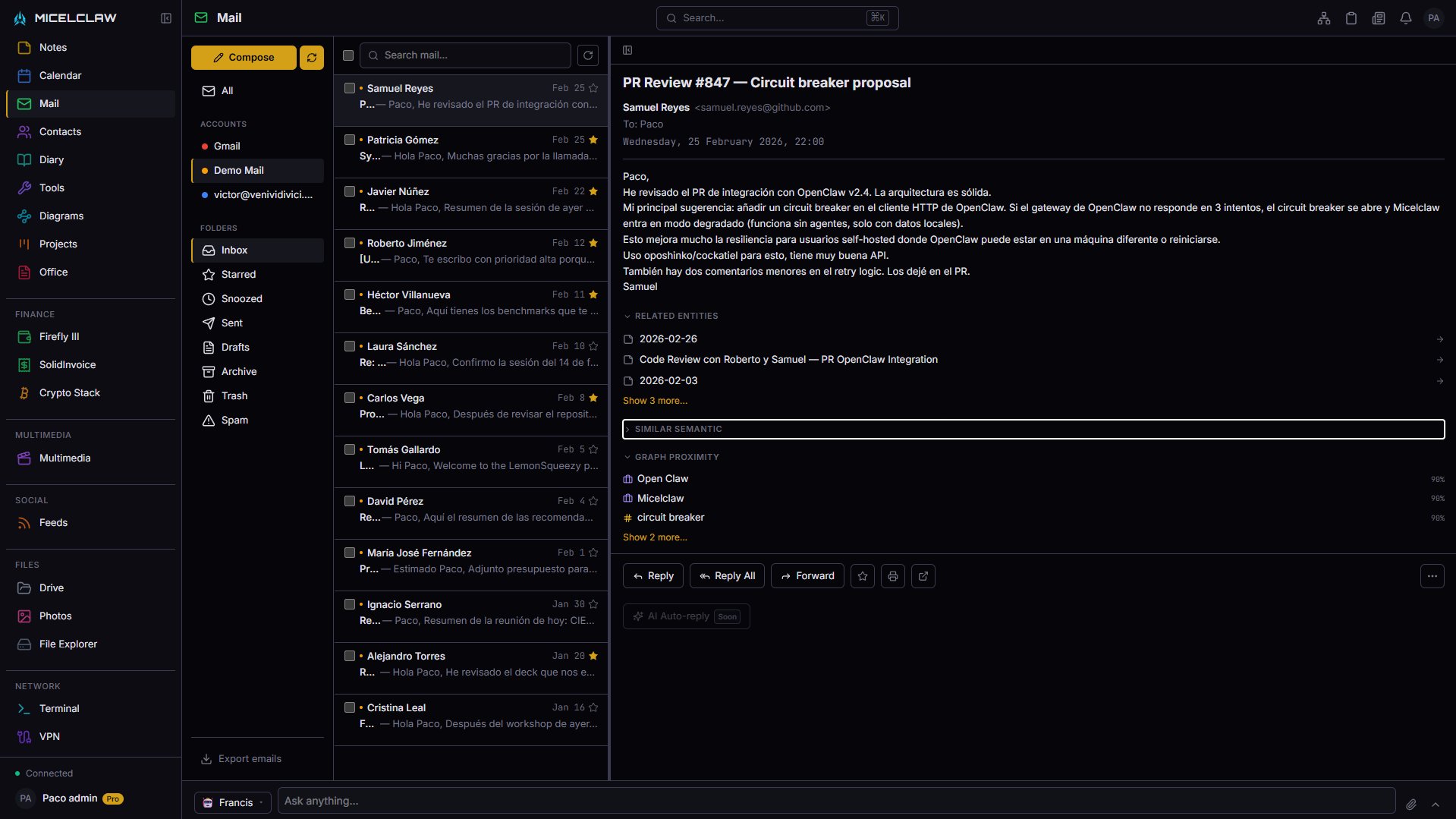
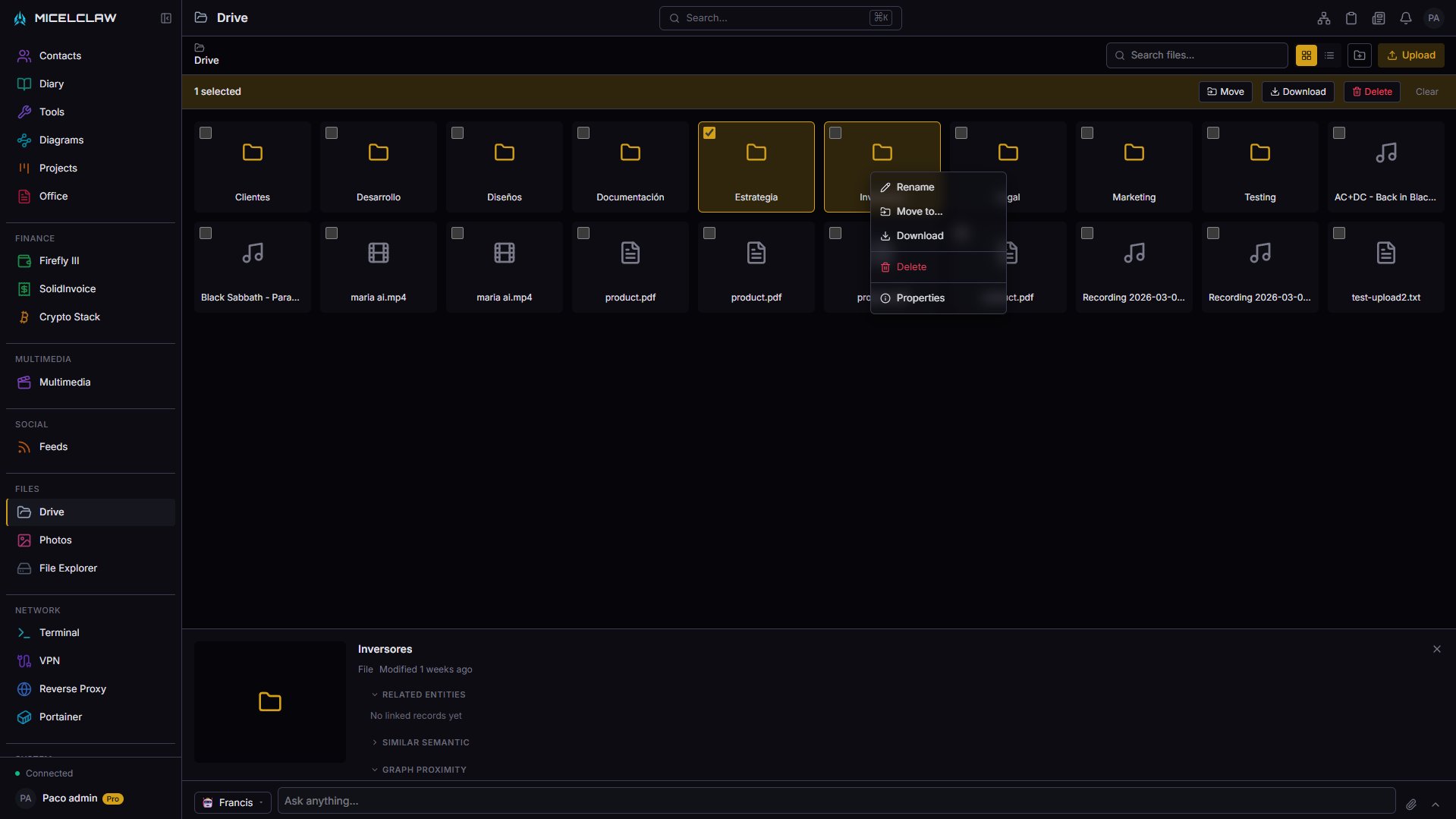
Notes (Notion, Obsidian), Calendar (Google Calendar), Email (Gmail), Files (Google Drive, Dropbox), Photos (Google Photos, iCloud), Contacts, Bookmarks, and Diary — all in one self-hosted app. Instead of paying for separate subscriptions that don't talk to each other, you get a single dashboard where everything is connected and AI understands all your data.
Can I degoogle with Micelclaw?
Yes. Sync your Google Calendar, Gmail (IMAP), and Google Contacts (CardDAV) into Micelclaw. Your data stays on your machine. You can stop depending on Google without losing your history — Micelclaw pulls everything in and keeps it local.
Is it really free?
Core features are free forever and open source. Notes, calendar, email, files, contacts, bookmarks, and diary — all included. The Pro tier adds AI-powered features: semantic search, knowledge graph, entity extraction, voice assistant, and daily AI digests.
What hardware do I need?
Any x86 PC or mini-PC with 4 GB of RAM or more. Works on bare metal Linux or Docker. Raspberry Pi 5 for light use. No GPU required — AI models run on CPU via Ollama. A retired laptop, a $150 mini-PC, or a NAS you already own will do.
How is this different from a NAS?
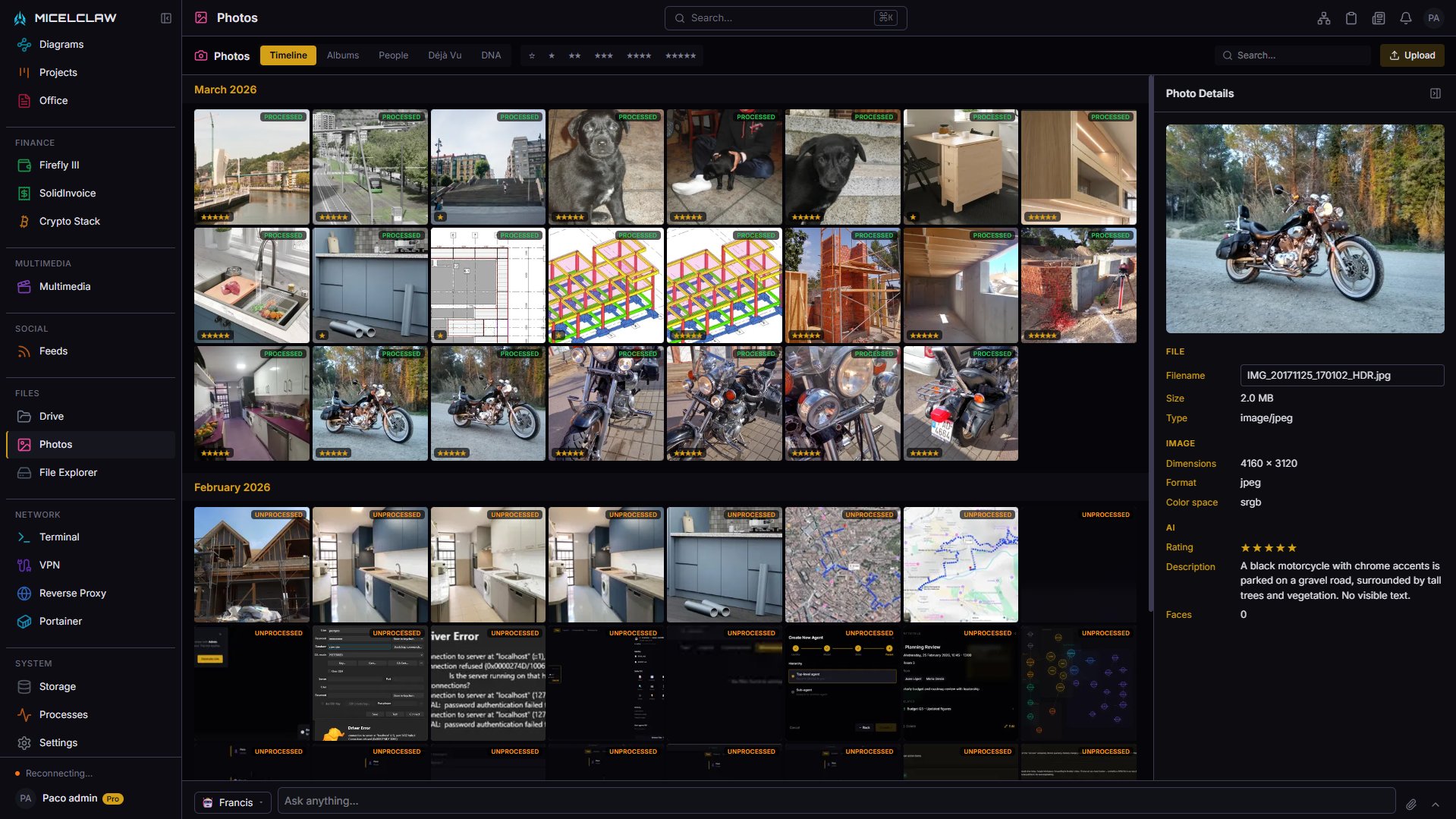
A NAS stores files. Micelclaw is a productivity operating system: notes, calendar, email, photos with face recognition, AI-powered semantic search, a personal knowledge graph, and 40+ managed services (Jellyfin, qBittorrent, Firefly III, and more) — all from one dashboard. Think of it as a NAS with a brain.
Can I access it from my phone?
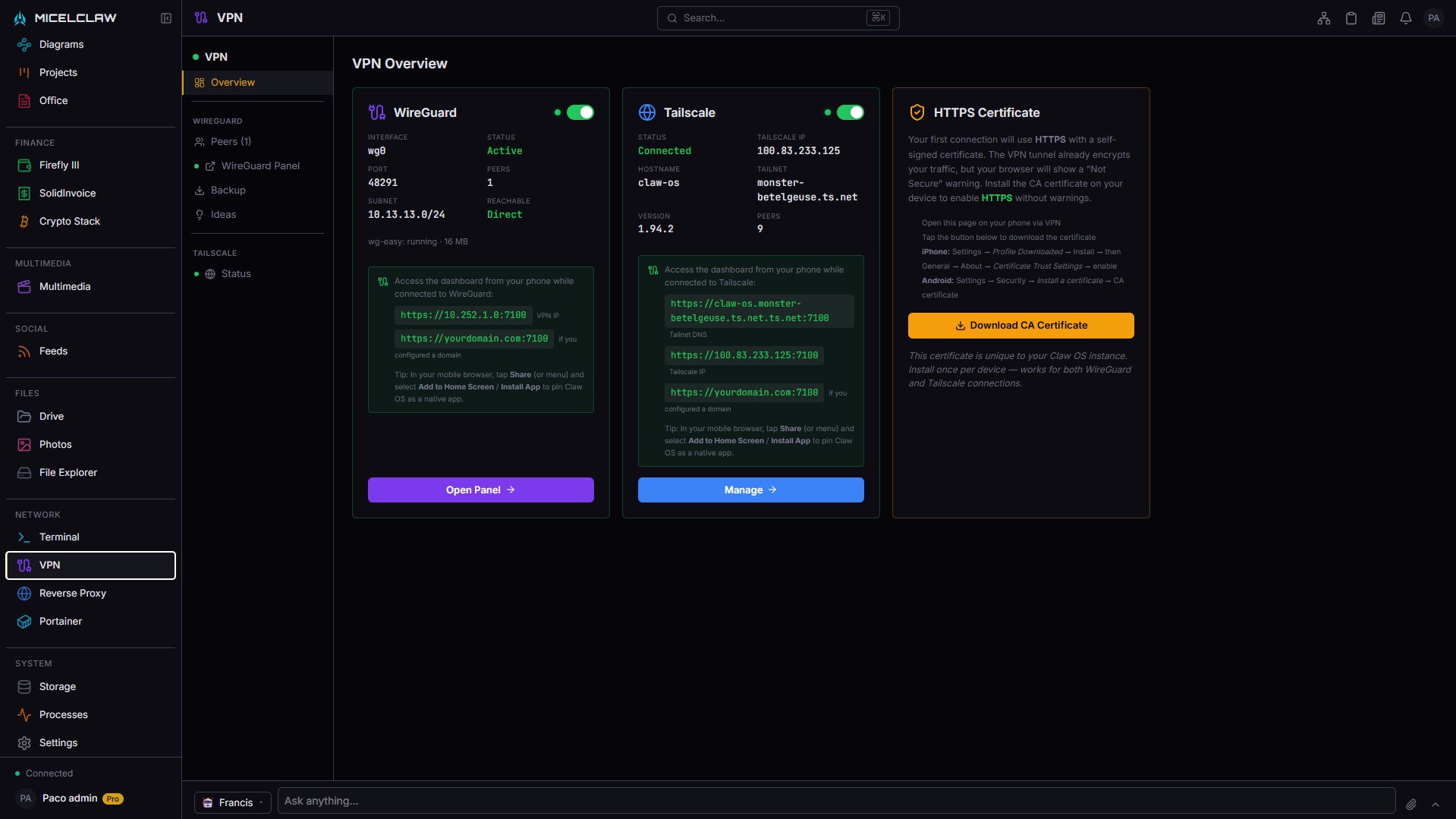
Yes. The dashboard is fully responsive and works in any mobile browser. Use Tailscale or WireGuard for secure remote access from anywhere — no port forwarding, no exposing your server to the internet.
Does any data leave my machine?
No. All AI processing runs locally via Ollama. There are no cloud API calls, no telemetry, and no analytics. Your notes, emails, photos, and search history never leave your network. You own your data completely.
Can I use it without an internet connection?
Yes. Everything runs locally — notes, files, photos, calendar, AI search, and the knowledge graph all work fully offline. You only need internet for syncing external email (IMAP) and external calendar/contacts (CalDAV, CardDAV).
How does Micelclaw compare to Nextcloud?
Nextcloud is primarily a file sync and collaboration platform with an app ecosystem of plugins. Micelclaw is an AI-native productivity OS built from the ground up: semantic search across all your data, an automatic knowledge graph, daily AI digests, and a unified dashboard — not features bolted on as third-party plugins.
How does Micelclaw compare to Notion?
Notion is cloud-only, proprietary, and charges per user. Micelclaw is self-hosted, open source, and free. Beyond notes, Micelclaw includes email, calendar, file storage, photo management, and an AI assistant — things Notion doesn't offer. Your data stays on your hardware, not on someone else's servers.
How does Micelclaw compare to Obsidian?
Obsidian is an excellent markdown editor for personal notes. Micelclaw is a full productivity OS: notes + calendar + email + files + photos + AI assistant + 40 managed services. If you only need notes, Obsidian is a great choice. If you want everything connected with AI that understands relationships across all your data, Micelclaw replaces the need for separate apps.
Is Micelclaw secure?
Yes. All data is encrypted at rest with AES-256-GCM. All AI runs locally — no data is sent to external APIs. Authentication uses JWT with refresh tokens. Remote access is secured via Tailscale or WireGuard VPN. No ports are exposed to the internet by default.
Who is Micelclaw for?
Freelancers who want one tool for everything. Developers and sysadmins who prefer self-hosted software. Privacy enthusiasts who are tired of Big Tech. Homelabbers looking for a productivity layer on their existing server. Anyone who wants to degoogle without losing the convenience of a modern, integrated workspace.